Local service provider
Describe an appointment request with a service choice, preferred date, and confirmation message.
Test whether someone can finish the request without needing instructions. For a build sequence, use the app walkthrough.
Build from a brief
A vibe code app builder is useful when you can describe what a person should do in an app but do not yet have a screen or workflow to test. Start with one task, then inspect the draft before adding more.

General vibe code exploration can start with any interface. The app builder path starts with a user task and asks whether the resulting flow actually works.
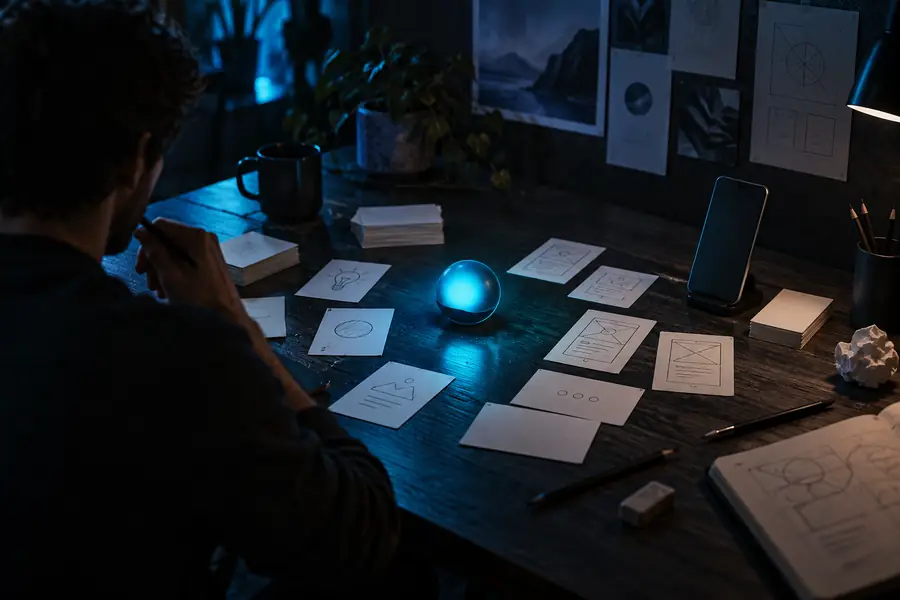

Treat this as a comparison of stages, not a promise that every prompt produces a finished app. A vague request may yield attractive screens without the behavior behind them. An app-specific brief names the user, the input they provide, the response they expect, and what happens when something goes wrong.
Describe the taskInspect the draftAn app needs more than a visual concept, but not every project needs the same kind of build. Pick the narrower route when your goal is already clear.
The value of an app builder is not just producing screens. It gives you a sequence you can examine and revise.
Name the intended user and the action they must complete. For an appointment request, that might be selecting a service, choosing a date, and submitting contact details. This gives the vibe code process a clearer target than “make a booking app.”
Specify what each button should do, which fields are required, and what the user sees next. A polished form that cannot confirm a submission is still an incomplete draft.
Try the primary task, note the first point of confusion, and request one focused change. Repeat the test after each revision instead of assuming a new-looking screen fixed the behavior.
Start with a single user journey. These examples show where an app-specific draft is more useful than an open-ended vibe code prompt.
Describe an appointment request with a service choice, preferred date, and confirmation message.
Test whether someone can finish the request without needing instructions. For a build sequence, use the app walkthrough.
Draft an event RSVP flow with attendee details and a clear response after submission.
Check required fields and the path back from an error. Compare other small projects for ideas you can adapt.
Sketch a reading-list app where people save an item and find it again.
Separate the interactive task from a page that merely describes it; a website may be enough if saving is not essential.
Create a feedback form with a category choice and a review screen before submission.
Use the draft to discuss missing steps before treating it as a usable tool. Begin with an app-focused build plan.
Vibe code can accelerate a draft, but a working-looking interface is not proof that data, errors, or access rules are handled correctly.

Step 1
Submit incomplete and unexpected inputs. Verify that navigation returns users to the right place and that success messages correspond to a real result. If the app builder produces only a visual prototype, describe it as a prototype rather than a functioning service.

Step 2
Use sample names and invented contact details while you evaluate a vibe code draft. Before real people use it, review where information goes, who can access it, and whether any connected service needs separate configuration. Those checks require deliberate testing; a prompt alone does not establish them.
Give Vibe Code a specific person, task, input, and expected result. Then run through the draft yourself, record what fails, and refine that part before expanding the app. A small verified flow is a better starting point than several untested screens.
Describe who uses the app, the task they need to complete, the information they enter, and the result they should see. Include a simple error case, such as a missing required field, so you have something specific to test.
A short idea can be a starting point, but it leaves many decisions unstated. Treat the first output as a draft, then test its behavior and specify missing screens, data handling, and edge cases before relying on it.
An app-focused brief centers on an action a user completes and the state that follows it, such as saving an item or sending a request. A website may be the better fit when the main goal is presenting information and there is no interaction to maintain.
Complete the main task as a new user would, then try an empty field, a wrong input, and a return visit. Check that messages reflect what actually happened, especially if the draft appears to save or send information.