Local business owner
Describe services, hours, location, and the questions customers ask most often.
Get a draft with clear sections to review against your real business details, rather than filling an empty page.
Build for the web
A vibe code website starts with a description of who the page serves and what visitors should do. Generate a first pass, then inspect the words, layout, links, and behavior before you share it.

Useful starting points
Vibe code works best when the audience, content, and desired action are specific. These examples show how different briefs call for different page structures.
Describe services, hours, location, and the questions customers ask most often.
Get a draft with clear sections to review against your real business details, rather than filling an empty page.
Give the event date, venue, schedule, accessibility details, and registration instructions.
Shape an event page around the information attendees need, then verify every date and destination link.
Provide a short introduction, project descriptions, image captions, and contact wording.
Turn scattered material into a coherent first draft while keeping final editorial decisions in your hands.
Outline the product, its intended audience, and the action the landing page should encourage.
Test a website message first; if the idea needs interactive features, explore a different build scope.
Working method
Treat the first output as a draft, not a finished website. Short, specific revisions are easier to assess than repeatedly replacing the entire brief.
Name the audience, the page's purpose, required sections, preferred tone, and primary action. Supply real copy when accuracy matters; otherwise, mark generated text as a placeholder.
Read the page on a narrow screen and a wide one. Follow its navigation, inspect forms and buttons, and look for invented claims or missing information.
Ask for one change at a time, such as a clearer opening, better mobile spacing, or a simpler contact section. Recheck working elements after each revision.
Scope check
A page that explains an offer is a different project from an application that stores data or manages users. Set that boundary before you write the prompt.
| Content-focused website | Interactive web app | |
|---|---|---|
| Main purpose | Present information and guide visitors to an action. | Help users complete a repeatable task. |
| Typical pages | Home, about, services, event, or portfolio pages. | Task screens, settings, and results views. |
| Content input | Headlines, descriptions, images, and contact details. | User entries, records, and changing results. |
| Interaction | Navigation, links, and simple contact actions. | Multi-step flows and application logic. |
| Data needs | Often suitable for mostly static content. | May require storage, access rules, and integrations. |
| Review priority | Accuracy, readability, responsive layout, and link destinations. | Those checks plus state handling, permissions, and data safety. |
Visual direction
Use a visual comparison to discuss hierarchy and clarity, not as proof that a generated website is ready to publish.
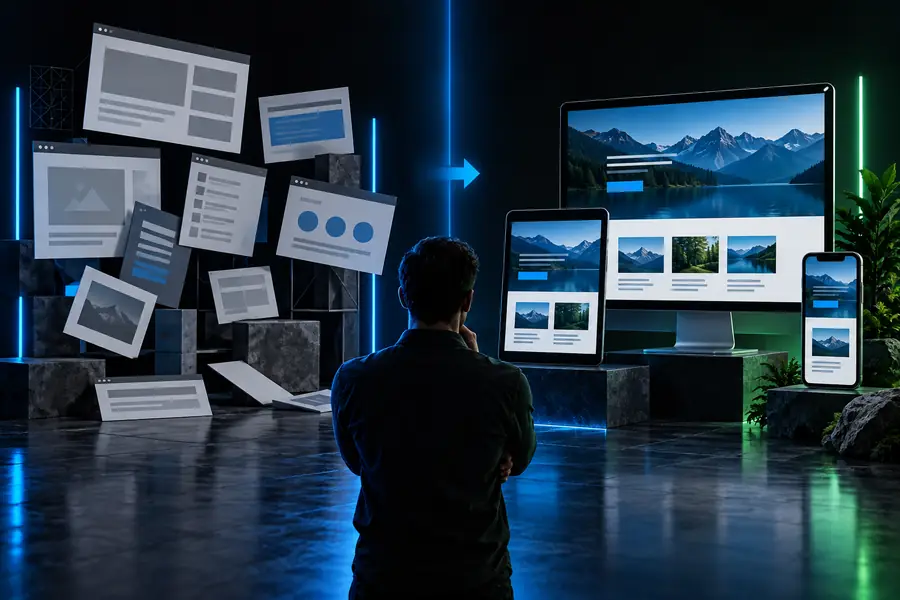
Illustrative references, not a guaranteed before-and-after output. Check the actual generated page and its mobile layout yourself.
Initial directionPage conceptKeep exploring
If the page brief reveals a bigger project, switch guides rather than trying to solve every requirement in one website prompt.
Before publishing
Vibe code can produce a useful draft, but a polished preview does not establish that the content is true, the interactions work, or the site is ready for visitors.
Generated opening hours, testimonials, policies, and contact details may be wrong or invented.
What to do instead
Replace placeholders with approved information and have the relevant person check every claim.
A visible form or button may look complete while its submission or destination still needs setup.
What to do instead
Test each control end to end using the same device and browser paths a visitor would use.
Readable contrast, keyboard access, meaningful image text, and mobile usability need deliberate review.
What to do instead
Test with keyboard navigation, different screen widths, and accessibility checks, then fix the failures.
A website preview does not by itself settle hosting, domain setup, maintenance, or how future edits will be made.
What to do instead
Decide who owns publishing and ongoing changes before treating the draft as a live site.
Start with one page and one clear visitor goal. Vibe code can help you explore a layout, but keep your real content close and review the result before publishing.
Yes. You can describe the audience, content, and layout you want, then use generated output as a starting draft. You still need to check facts, links, responsive behavior, and accessibility before publishing.
State the page's purpose, intended visitors, required sections, tone, and main action. Add verified business details and any copy that must appear exactly as written. Identify anything the tool should leave as a placeholder rather than invent.
It may include a form interface, but its appearance does not prove that submissions go anywhere. Test the full submission path and decide how messages will be handled before inviting visitors to use it.
A content-focused website primarily explains something and guides visitors through pages or links. A web app adds task flows, changing data, or user-specific behavior, which calls for more detailed testing and planning.
Treat the first version as a draft even if it looks polished. Check every claim and destination, try the page on mobile, and confirm that interactive elements work. Publish only after those checks match what you intended.