
A practical start

Try vibe coding for beginners with a project you can test

You do not need to write a perfect specification or know every programming term. Describe one small task, review what the AI makes, then ask for a specific change. Vibe Code helps you approach the first draft as something to test, not something to trust without checking.

Review the result before sharing
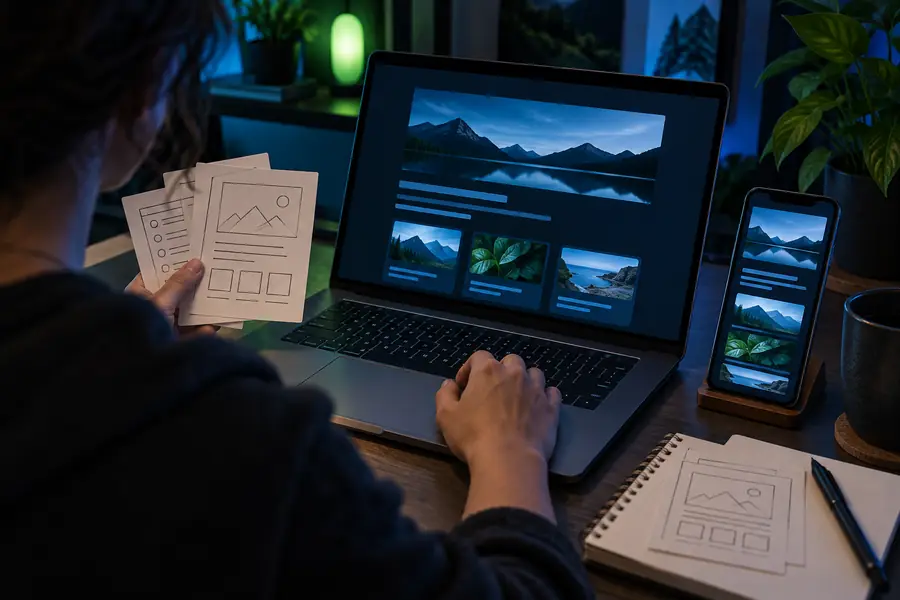
Vibe Code landing-page visual

The scenario's pain

The hardest part for a newcomer is often deciding what to ask for and how to tell whether the answer works.

The curious first-timer

You have an idea but no vocabulary for components, databases, or deployment. Asking for an entire app at once makes it difficult to spot what went wrong.

Begin with one screen and one action you can try yourself. The vibe code tutorial for beginners walks through a more guided first attempt.

vibe code tutorial for beginners

The person with too many ideas

You keep switching projects before finishing a working draft. Choose a task with an obvious input and an outcome you can see on the page.

A short list of vibe coding ideas for beginners can help you pick a project small enough to complete and revise.

vibe coding ideas for beginners

The aspiring app maker

You want an app, but your request bundles navigation, accounts, notifications, and storage into one first prompt. Each extra feature adds something new to verify.

Start with a single local interaction. When that works, how to vibe code an app covers the next decisions in a fuller build.

how to vibe code an app

3 concrete workflows

Pick the workflow whose result you can inspect most easily. In each one, make a first draft, test a real action, and request only the next necessary change.

    • First project

      Make a one-page reading list

      Ask for a page with a title field, an Add button, and a way to mark a book finished. Enter two books and confirm that adding, marking, and filtering all behave as requested. If a button does nothing, describe the exact button and the result you expected rather than asking the AI to redo everything.

      1. Describe the three visible actions in ordinary language.
      2. Try each action with sample book titles.
      3. Report one failed action and ask for a focused fix.
      Try a reading-list prompt
    • First layout

      Draft a personal event page

      Request a page showing an event name, date, location, and a short schedule. Replace placeholder details with invented sample information while testing. Read it on a narrow screen as well as a wide one, and check that the date and location remain easy to find.

      1. List the information the visitor must find.
      2. Check the first draft at phone width.
      3. Ask for one layout change and compare readability.
      Try an event-page prompt
    • First calculation

      Build a simple tip calculator

      Specify the bill amount, tip percentage, and displayed total. Test an ordinary amount, zero, and an empty input. If the total looks wrong, provide the numbers you entered and the total you expected; that gives the AI a concrete case to correct.

      1. State the inputs and the calculation you want.
      2. Test normal, zero, and empty values.
      3. Keep a failing example to retest after the fix.
      Try a calculator prompt

    Example output

    A useful draft has a visible purpose and actions you can test. Compare the two visual references, then judge your own result by what it does rather than how polished it looks.

    First Vibe Code example visual
    First visual reference
    Second Vibe Code example visual
    Second visual reference

    These are separate visual references, not a verified before-and-after sequence from one prompt. For a reading-list draft, a meaningful improvement would be an Add button that actually adds a title, followed by a finished filter that shows the right books. Test those behaviors directly; a screenshot cannot prove they work.

    First visual referenceSecond visual reference

    Compliance notes

    Use fictional names and sample details in your first prompts. Do not paste passwords, private records, or someone else's personal information into a project description. Read generated text for accuracy, check where form entries go, and avoid presenting an untested page as a finished service. If a project will collect real information or make important decisions, seek an appropriate review before publishing it. Start small enough that you can explain and verify every action on the page.

    Test privately before you share

    • Use sample data while experimenting
    • Test every visible action yourself
    • Review the result before publishing
    Try a small project

    Scenario FAQ

    Anyone who can describe a goal and test a result can try it; prior coding experience is not required for a small first project. Experience does help when a result breaks or involves sensitive data, so keep the initial task simple and ask for help when you cannot verify a fix.

    Choose a page or tool with one clear action, such as adding an item to a list. You should be able to say what you entered, what you clicked, and what you expected to happen. Save larger features until that basic action works.

    You can begin by checking visible behavior without understanding every line. Before relying on or publishing the result, however, you need a way to inspect its behavior, data handling, and failures. Ask for a plain-language explanation of unfamiliar parts rather than assuming they are correct.

    Write down two or three actions it must perform and try each with realistic sample inputs. Check an empty or unusual input too. A draft that looks appealing but fails those checks still needs work.

    Describe the difference between what appeared and what you wanted, using one concrete example. Request one change at a time, then repeat the same test. That makes it easier to tell whether the revision helped.

    Start creating
    Start creating